Self-hosted MQTT dashboard for real-time IoT data
Add a topic, publish, and every message is logged with live values, history and CSV. Devices show online or offline from their last will; encrypted device topics and edge-node heartbeats appear by themselves. Under 40 MB of memory.
Demo: sign in as admin / admin123. It may take up to a minute to wake.
Install
Four ways, each tested end to end on every change with a real broker and a browser.
Python 3.9 or newer, any operating system.
pip install sensehive-iot && sensehive --port 5000 --broker localhostNo devices yet? An emulated fleet comes with the package:
sensehive-demo --broker localhost --register http://localhost:5000Open http://localhost:5000, sign in as admin / admin123, then change it.
- Add the repository (the button, or Settings, Apps, Install app, menu, Repositories)
- Install SenseHive and press Start
- Turn on Show in sidebar
- Open it: no second sign-in, the Mosquitto add-on is found by itself
amd64 and aarch64 (Raspberry Pi 4 and 5), data in Home Assistant backups, AppArmor, security rating 8/8. Tested in a real Home Assistant with a browser.
One image for x86 and 64-bit Raspberry Pi (amd64 and arm64), 55 MB.
docker run -d --name sensehive --restart unless-stopped -p 5000:5000 -v sensehive-data:/app/data devprincekumar/sense-hive:1.8The emulated fleet is in the image too:
docker exec sensehive python demo_fleet.py --broker YOUR-BROKER --register http://127.0.0.1:5000Set the broker in Settings, or with -e DEFAULT_BROKER_HOST=192.168.1.10 -e SENSEHIVE_FORCE_BROKER=true. The whole demo in one container: devprincekumar/sense-hive:demo.
From source, for development or a machine without Docker:
git clone https://github.com/855princekumar/sense-hive && cd sense-hive/version-1.0 && pip install -r requirements.txt && python app.pyThe full systemd unit and every option are in the quick start guide.
Step by step with screenshots, publishing from the command line, Python or an ESP32, and troubleshooting: docs/QUICKSTART.md
A real deployment, live
Not a mock-up: the current SenseHive with real heartbeat agents and a PowerPulse node, running on its own private broker.
- Six devices publishing telemetry every few seconds, each with a last will.
- Four heartbeat agents the real agent (1.3.0), joined with tokens; one node crashes now and then and comes back.
- A PowerPulse node its beacon sealed on a secure topic and found by itself; the plug is pulled every few minutes.
- Nothing shared own broker, own database, new keys at every start; password and broker are locked for visitors.
A free host: it sleeps when nobody uses it and wakes in about a minute, fresh. Every change to SenseHive is checked on it the way a visitor sees it.
See it working
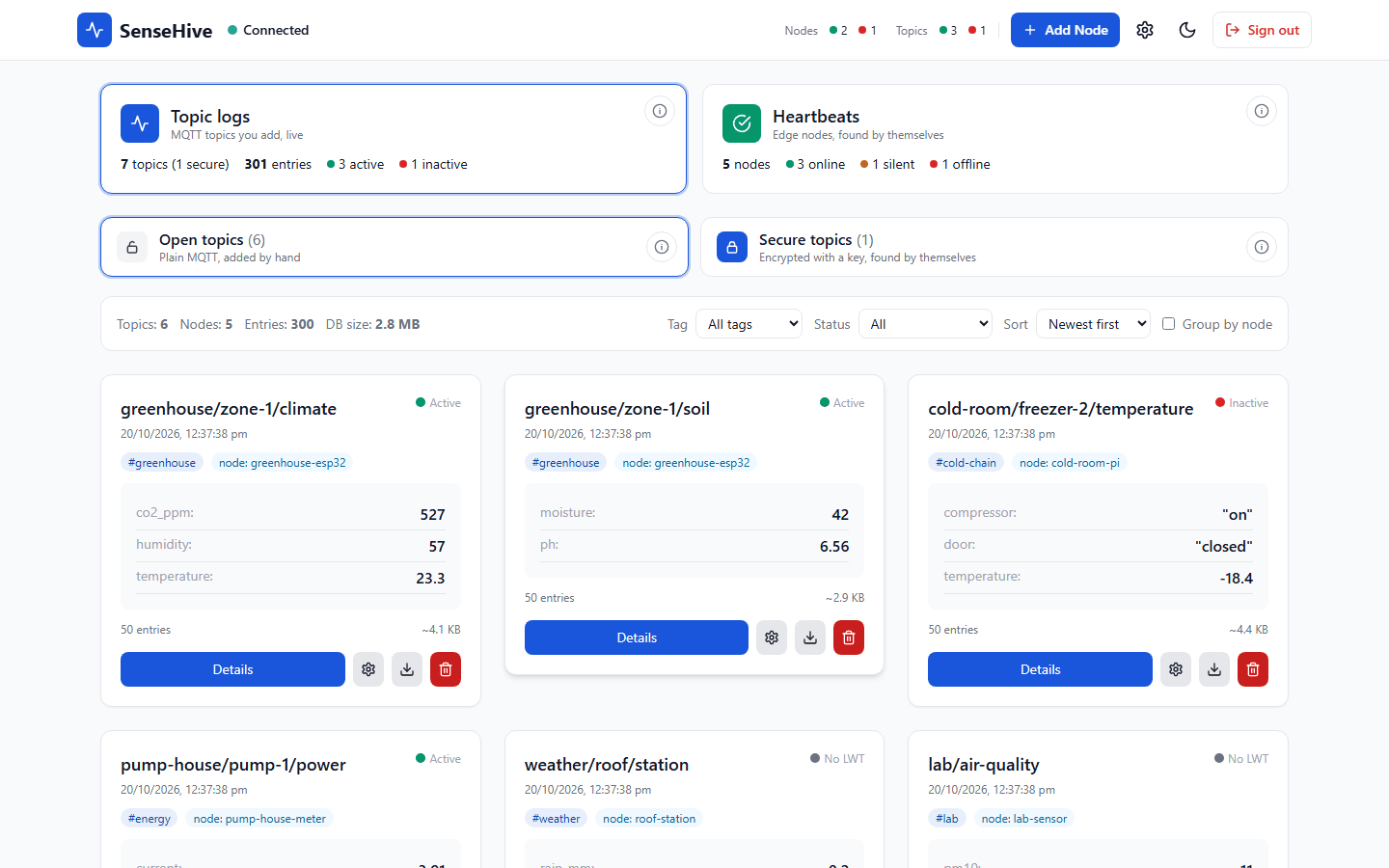
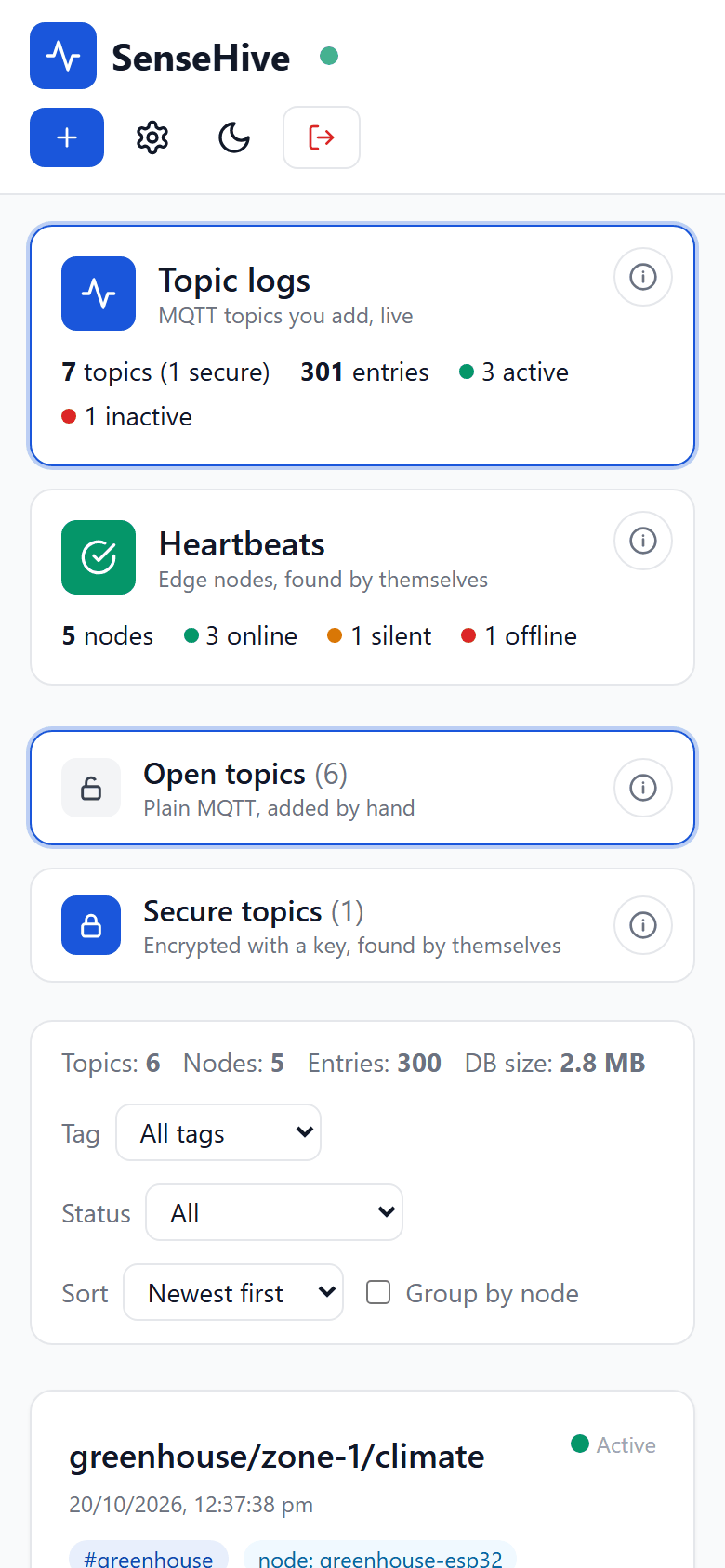
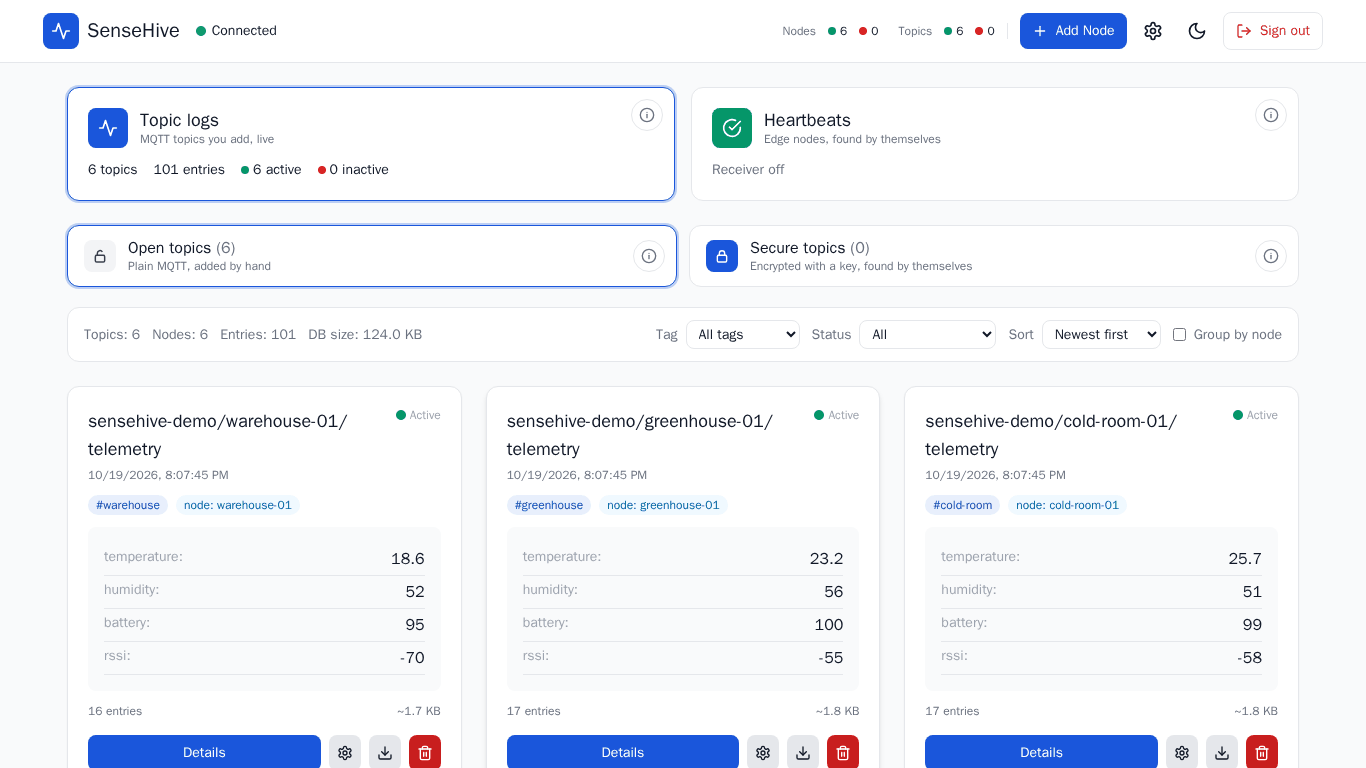
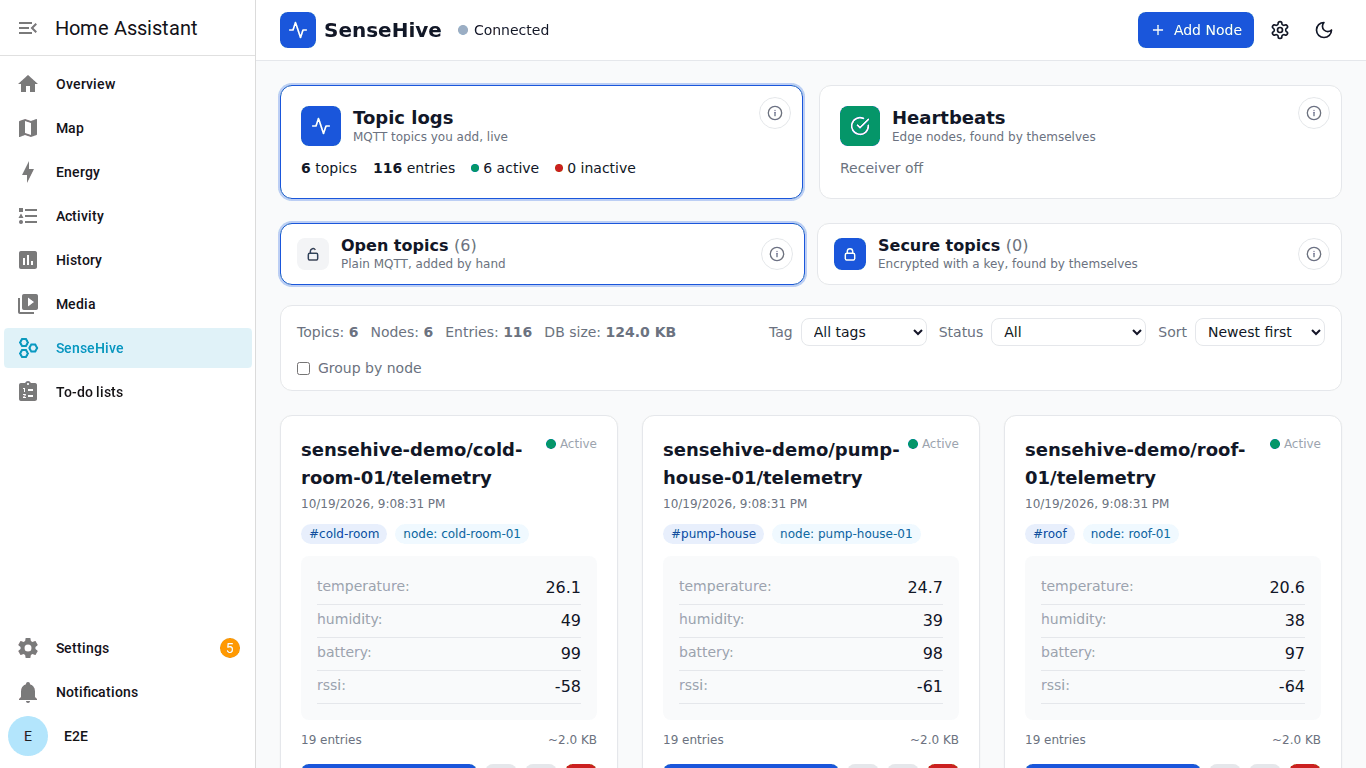
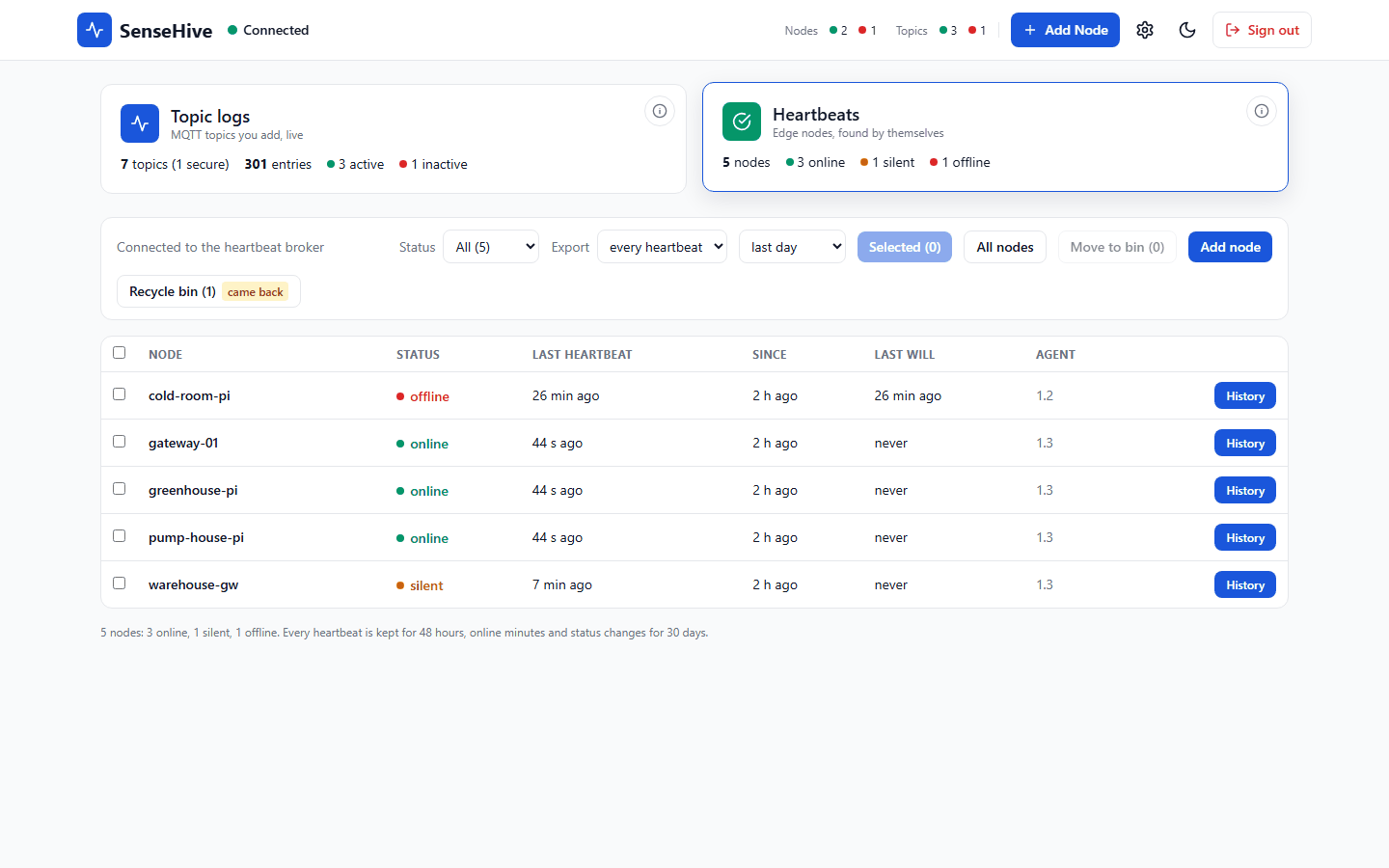
Real screenshots of the current release, taken by CI from a running SenseHive and a real Home Assistant (made-up data).
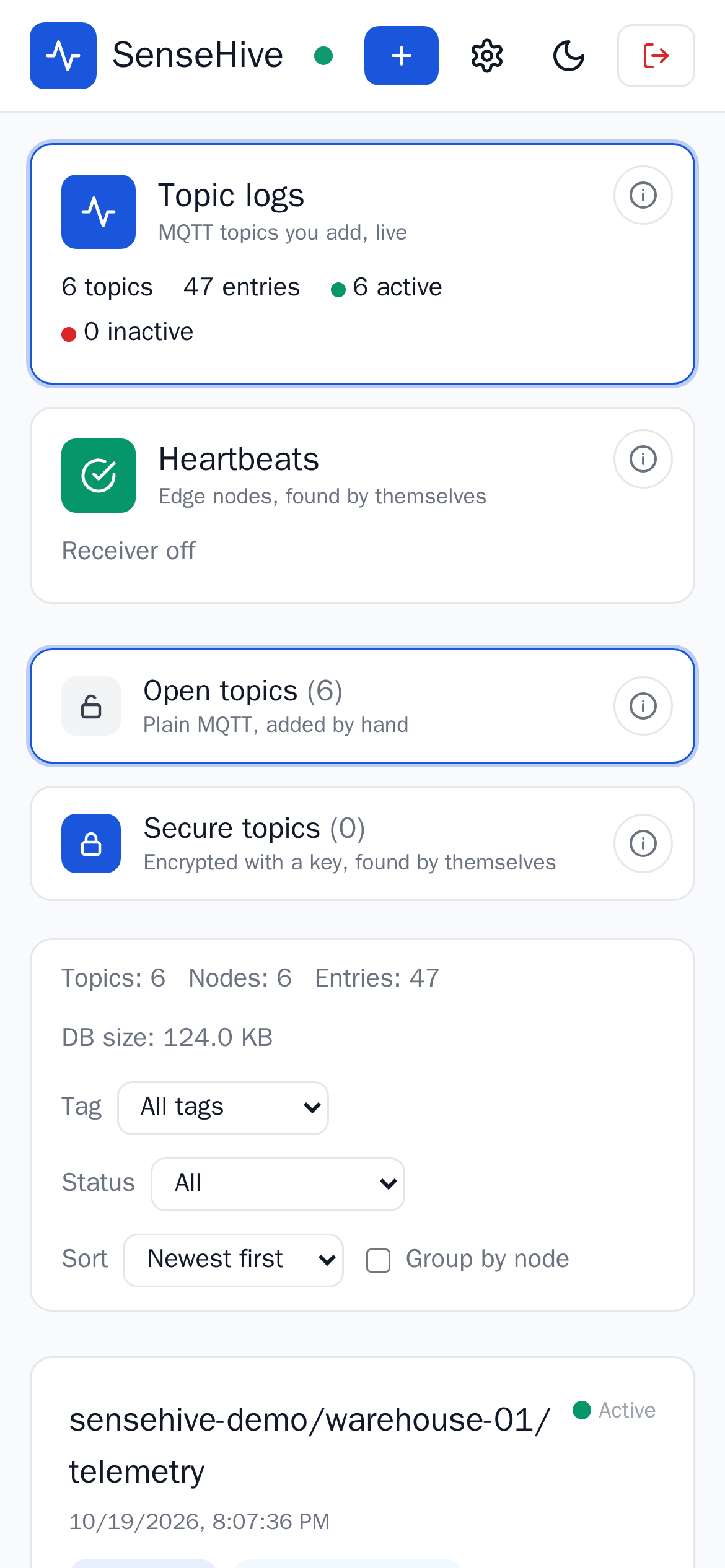
Topic logs: every topic with its live values, node, tag and last-will status.
What it does
Small on purpose, complete where it matters.
Every message, every topic
Add a topic (wildcards like sensors/# work): each message is stored in SQLite and shown live, field by field for JSON. Tags, grouping, filters, retention by age or count.
Online and offline, from the device
Give a node its last-will topic and it shows Active or Inactive the moment the broker sends the will, with counts in the header.
History, charts, CSV
Every topic keeps its history with a chart and CSV export; heartbeat history from 1 minute to 30 days with breaks and uptime.
Secure topics, found by themselves
A key per device; devices publish encrypted and signed data under sensehive/secure/ and appear on their own. ESP32, MicroPython, Node-RED, Python.
Edge-node heartbeats
Raspberry Pis and gateways running the heartbeat agent report every 10 s, encrypted, with a signed last will. Join tokens for one node or a CSV for many.
Home Assistant, pip, Docker
An add-on in the sidebar (no second sign-in, Mosquitto found by itself), a pip package with an emulated fleet, one multi-arch image.
Secure by default
Signed sessions, a sign-in rate limit, a strict Content Security Policy, nothing loaded from other sites, hashed passwords.
Light enough for a Pi
About 35 MB of memory idle and under 40 MB with 500 edge nodes and 100 busy topics, in a 55 MB image.
Fits any screen
Phone to desktop, zoom 67 to 200 %, light and dark, every dialog fits: 568 browser checks on every change.
Performance, measured
SenseHive 1.8.1 in Docker: 500 edge nodes sending encrypted heartbeats (50 verified messages a second), then 100 topics logging 50 more. Medians of 5-second samples.
| Load | CPU / memory |
|---|---|
| Idle, 100 topics subscribed | 0.03 % / 34.5 MB |
| 500 heartbeat nodes, 50 msg/s verified | 10.2 % / 36.0 MB |
| Plus 100 topics logging 50 msg/s | 26.6 % / 37.4 MB |
| API, 500 nodes and 100 topics | 4 to 16 ms p50 |
| Storage per logged message | about 370 bytes |
One core of an Intel Core i7-1185G7, Docker Desktop; a Raspberry Pi core takes a few times the CPU share, memory stays about the same. Script and full results
The SenseHive family
SenseHive is the hub; these feed it, and SenseHive finds them by itself. All open source, all tested together.
MQTT heartbeat agent 1.3
For Linux edge nodes: encrypted heartbeats every 10 s and a last will; online, offline or silent in SenseHive. One command with a join token, or many nodes at once.
PowerPulse 2.0
ESP32 power presence beacon: flash, plug in, and it appears under secure topics, online, and offline the moment power goes. Tested on a simulated ESP32.
Home Assistant add-on
SenseHive in the Home Assistant sidebar, tested in a real Home Assistant (Supervisor and Core) with a browser on every change.
EdgeShell 1.17
Fleet manager for Raspberry Pi and edge devices: installs the heartbeat agent as an app with its own venv and a way back, shows SenseHive's state on every node card.
Tested the way you use it
On every change, before a release can ship. A failing check stops the release.
Why it exists
About the project
Small on purpose
Most IoT platforms come with heavy dependencies and long setup. SenseHive is the simplest way to log data and watch connected devices: one process, SQLite, any broker.
One command to start
No configuration files or schemas: pip, Docker or the Home Assistant add-on, then add a topic. Each topic gets its own log, sorted and exportable.
Not a replacement for ThingsBoard or Grafana: a light tool to collect, show and export what each topic sends, with nothing extra to run.
"A view for IoT developers that takes seconds to launch and no time to configure."
Memory
under 40 MB
Scale
Edge and lab
Runs on
amd64, arm64
License
MIT
Why not Grafana or a cloud IoT platform?
Pick the tool for the job: from minimal edge logging to enterprise analytics.
| Aspect | SenseHive | ThingsBoard | Grafana + Prometheus | Node-RED + InfluxDB |
|---|---|---|---|---|
| Memory | about 35 MB | 2 GB or more | 500 MB or more | 300 MB or more |
| Setup | One command, add a topic | Devices and entity mapping | Exporters and dashboards | Flows and a database |
| Scale | Edge and developer lab | Enterprise | Infrastructure operations | Prototyping and automation |
| Model | A log per topic | Device digital twin | Time-series metrics | Logic flows |
| Storage | SQLite, per topic | SQL and NoSQL | Prometheus TSDB | InfluxDB |
| Device status | From the MQTT last will | Device activity | Exporter up or down | Built by hand |
| Home Assistant | Add-on, in the sidebar | Integration (separate server) | Data source | Add-ons available |
| Install | Docker, pip, add-on, native | Docker, packages | Docker, packages | Two services |